 f4808b71d4
Three TCP connections carry WebRTC signalling to hbbs in the clear: the
controller's punch connection, which carries the offer up and the answer and
both sides' ICE candidates through it, and on the controlled side the
short-lived connection that returns the answer and the one that trickles its
candidates. Candidates are every interface address of both machines, and the
controller is the side most often on a network it does not trust.

`secure_tcp` is fail-open by design: a server that answers the first message
with anything but a key exchange, or with nothing, leaves the stream in the
clear and the call returns Ok, which the paths from before such servers rely
on. That is not a channel WebRTC signalling may go out on.

So the four legs use `secure_tcp_required`: Ok only once the server's key
exchange has encrypted the stream, an error otherwise. WebSocket is treated
as `secure_tcp` treats it, as a transport encrypted already. On the controller an
error drops the offer, closes its peer connection through the guard and
reconnects, then punches without WebRTC on the fresh socket, with the legacy
condition applied to it as before; the failed exchange may have consumed a
message on the old one. On the controlled side an error abandons that WebRTC
attempt: the answer is not sent, or the candidates are not, and the
controller falls back to its other transports. A relay response carrying an
answer, which the symmetric-NAT and forced-relay branches send on a
connection of their own, keeps the relay and loses only the answer: the
response goes without it, on a fresh socket. Degrade to no WebRTC, never to
WebRTC signalling in the clear. `secure_tcp` itself is unchanged; the
exchange moves into `key_exchange`, which reports whether it happened.

A punch without an offer is unchanged: the legacy secure condition takes
this socket straight to the punch as before, and every other punch waits for
the UDP NAT test as before. The exchange does not replace that wait, it
spends part of the same budget, which now runs from before it: what is left
is waited out, and a probe that has already answered is taken at once.

Tests run a loopback stand-in for hbbs: a server that answers with another
message, or closes, is refused where `secure_tcp` would carry on in the
clear; a completed exchange is accepted and the stub decodes the reply with
its ephemeral key.


Claude-Session: https://claude.ai/code/session_019aokqJuhjvB3kijXtAg5Ns

Co-authored-by: Claude Opus 5 <noreply@anthropic.com>

Build •
Docker •
Structure •
Screenshots
[Українська] | [česky] | [中文] | [Magyar] | [Español] | [فارسی] | [Français] | [Deutsch] | [Polski] | [Indonesian] | [Suomi] | [മലയാളം] | [日本語] | [Nederlands] | [Italiano] | [Русский] | [Português (Brasil)] | [Esperanto] | [한국어] | [العربي] | [Tiếng Việt] | [Dansk] | [Ελληνικά] | [Türkçe] | [Norsk] | [Română]
We need your help to translate this README, RustDesk UI and RustDesk Doc to your native language
Caution
Misuse Disclaimer:
The developers of RustDesk do not condone or support any unethical or illegal use of this software. Misuse, such as unauthorized access, control or invasion of privacy, is strictly against our guidelines. The authors are not responsible for any misuse of the application.
Chat with us: Discord | Twitter | Reddit | YouTube

Yet another remote desktop solution, written in Rust. Works out of the box with no configuration required. You have full control of your data, with no concerns about security. You can use our rendezvous/relay server, set up your own, or write your own rendezvous/relay server.
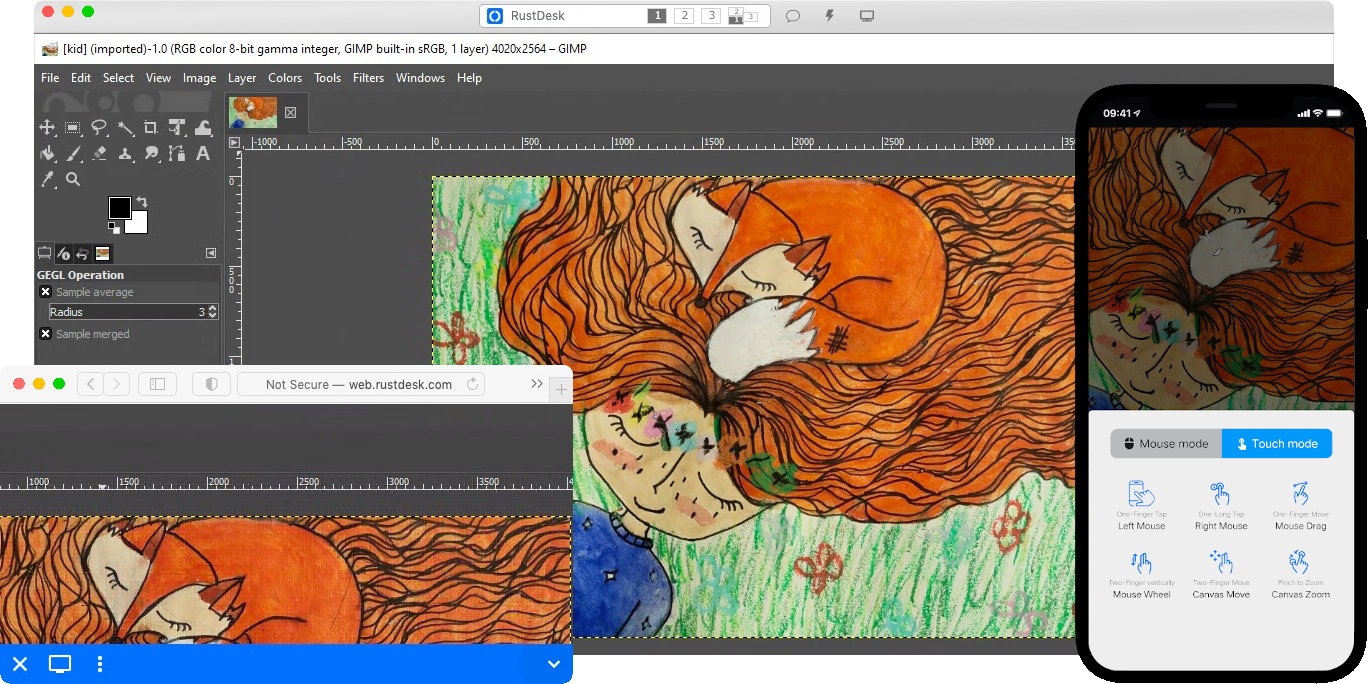
RustDesk welcomes contribution from everyone. See CONTRIBUTING.md for help getting started.

Dependencies
Desktop versions use Flutter or Sciter (deprecated) for GUI. This tutorial is for Sciter only, since it is easier and more friendly to start. Check out our CI for building the Flutter version.
Please download Sciter dynamic library yourself.
Raw Steps to build
-
Prepare your Rust development env and C++ build env
-
Install vcpkg, and set
VCPKG_ROOTenv variable correctly- Windows: vcpkg install libvpx:x64-windows-static libyuv:x64-windows-static opus:x64-windows-static aom:x64-windows-static
- Linux/macOS: vcpkg install libvpx libyuv opus aom
-
run
cargo run
Build
How to Build on Linux
Ubuntu 18 (Debian 10)
sudo apt install -y zip g++ gcc git curl wget nasm yasm libgtk-3-dev clang libxcb-randr0-dev libxdo-dev \
        libxfixes-dev libxcb-shape0-dev libxcb-xfixes0-dev libasound2-dev libpulse-dev cmake make \
        libclang-dev ninja-build libgstreamer1.0-dev libgstreamer-plugins-base1.0-dev
openSUSE Tumbleweed
sudo zypper install gcc-c++ git curl wget nasm yasm gcc gtk3-devel clang libxcb-devel libXfixes-devel cmake alsa-lib-devel gstreamer-devel gstreamer-plugins-base-devel xdotool-devel
Fedora 28 (CentOS 8)
sudo yum -y install gcc-c++ git curl wget nasm yasm gcc gtk3-devel clang libxcb-devel libxdo-devel libXfixes-devel pulseaudio-libs-devel cmake alsa-lib-devel gstreamer1-devel gstreamer1-plugins-base-devel
Arch (Manjaro)
sudo pacman -Syu --needed unzip git cmake gcc curl wget yasm nasm zip make pkg-config clang gtk3 xdotool libxcb libxfixes alsa-lib pipewire
Install vcpkg
git clone https://github.com/microsoft/vcpkg
cd vcpkg
git checkout 2023.04.15
cd ..
vcpkg/bootstrap-vcpkg.sh
export VCPKG_ROOT=$HOME/vcpkg
vcpkg/vcpkg install libvpx libyuv opus aom
Fix libvpx (For Fedora)
cd vcpkg/buildtrees/libvpx/src
cd *
./configure
sed -i 's/CFLAGS+=-I/CFLAGS+=-fPIC -I/g' Makefile
sed -i 's/CXXFLAGS+=-I/CXXFLAGS+=-fPIC -I/g' Makefile
make
cp libvpx.a $HOME/vcpkg/installed/x64-linux/lib/
cd
Build
curl --proto '=https' --tlsv1.2 -sSf https://sh.rustup.rs | sh
source $HOME/.cargo/env
git clone --recurse-submodules https://github.com/rustdesk/rustdesk
cd rustdesk
mkdir -p target/debug
wget https://raw.githubusercontent.com/c-smile/sciter-sdk/master/bin.lnx/x64/libsciter-gtk.so
mv libsciter-gtk.so target/debug
VCPKG_ROOT=$HOME/vcpkg cargo run
How to build with Docker
Begin by cloning the repository and building the Docker container:
git clone https://github.com/rustdesk/rustdesk
cd rustdesk
git submodule update --init --recursive
docker build -t "rustdesk-builder" .
Then, each time you need to build the application, run the following command:
docker run --rm -it -v $PWD:/home/user/rustdesk -v rustdesk-git-cache:/home/user/.cargo/git -v rustdesk-registry-cache:/home/user/.cargo/registry -e PUID="$(id -u)" -e PGID="$(id -g)" rustdesk-builder
Note that the first build may take longer before dependencies are cached, subsequent builds will be faster. Additionally, if you need to specify different arguments to the build command, you may do so at the end of the command in the <OPTIONAL-ARGS> position. For instance, if you wanted to build an optimized release version, you would run the command above followed by --release. The resulting executable will be available in the target folder on your system, and can be run with:
target/debug/rustdesk
Or, if you're running a release executable:
target/release/rustdesk
Please ensure that you run these commands from the root of the RustDesk repository, or the application may not find the required resources. Also note that other cargo subcommands such as install or run are not currently supported via this method as they would install or run the program inside the container instead of the host.
File Structure
- libs/hbb_common: video codec, config, tcp/udp wrapper, and some other utility functions shared with the server
- libs/base: protobuf, fs functions for file transfer, keyboard and platform code used only by this app
- libs/scrap: screen capture
- libs/enigo: platform specific keyboard/mouse control
- libs/clipboard: file copy and paste implementation for Windows, Linux, macOS.
- src/ui: obsolete Sciter UI (deprecated)
- src/server: audio/clipboard/input/video services, and network connections
- src/client.rs: start a peer connection
- src/rendezvous_mediator.rs: Communicate with rustdesk-server, wait for remote direct (TCP hole punching) or relayed connection
- src/platform: platform specific code
- flutter: Flutter code for desktop and mobile